Website
Restaurant Website
A welcoming home for your menu, opening hours and table enquiries.

Real possibilities for websites, stores, CRM and bookings.
Get inspired, explore a template, or make your own.
BROWSE BY PRODUCT
FEATURED EXAMPLES
A welcoming home for your menu, opening hours and table enquiries.
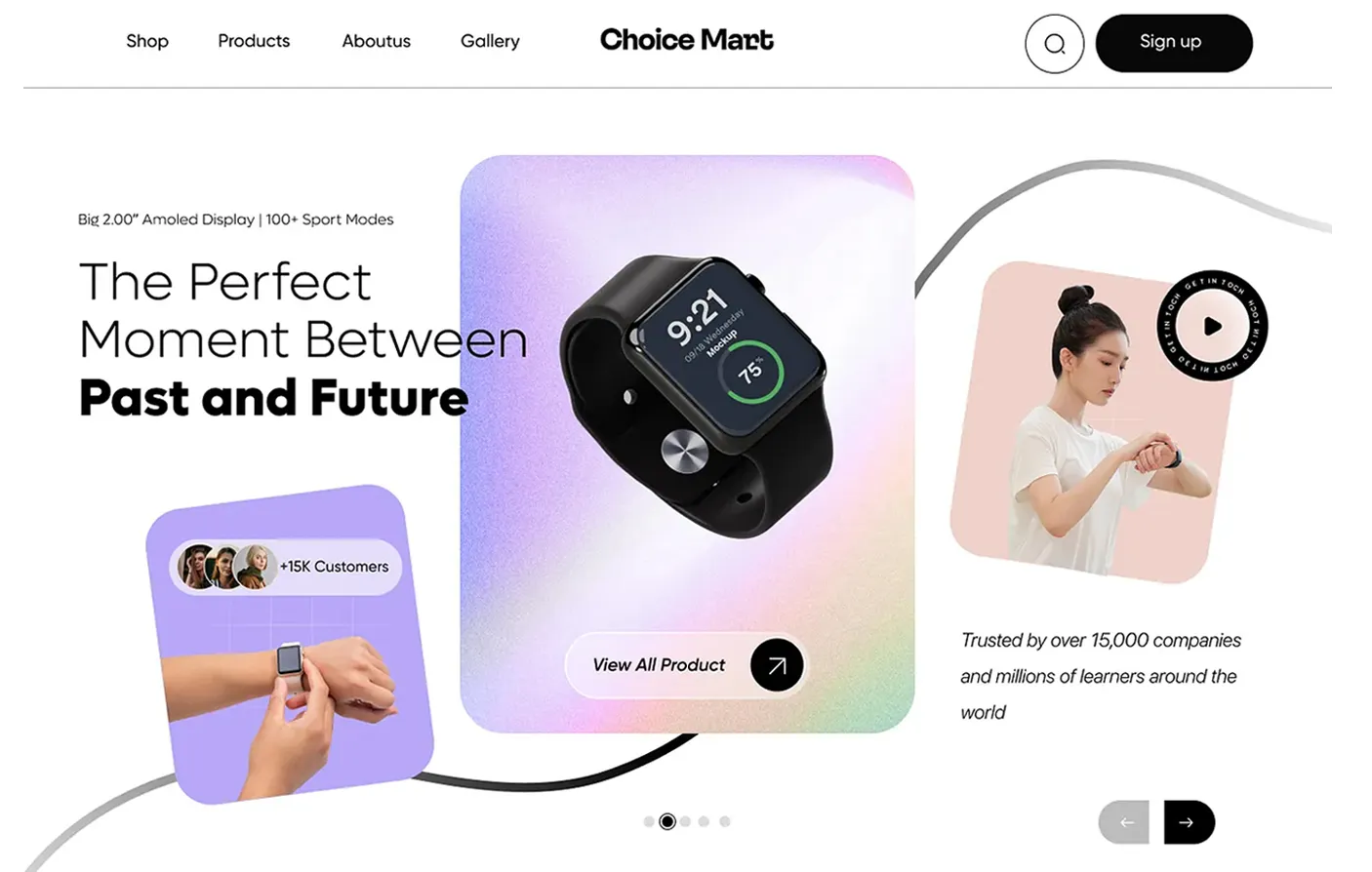
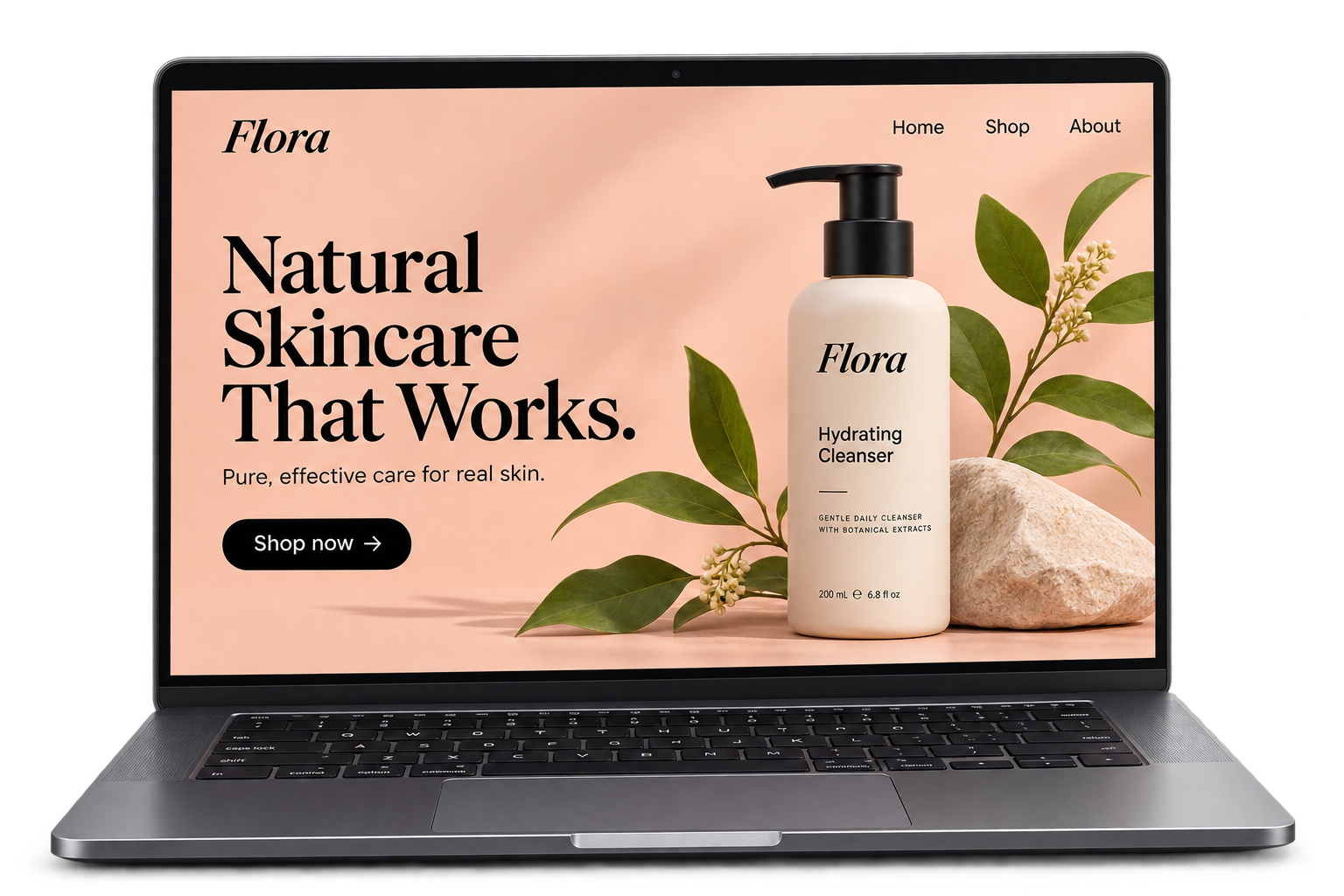
A product-focused storefront with space for your collection and story.
Track leads, manage deals and keep the next follow-up in view.
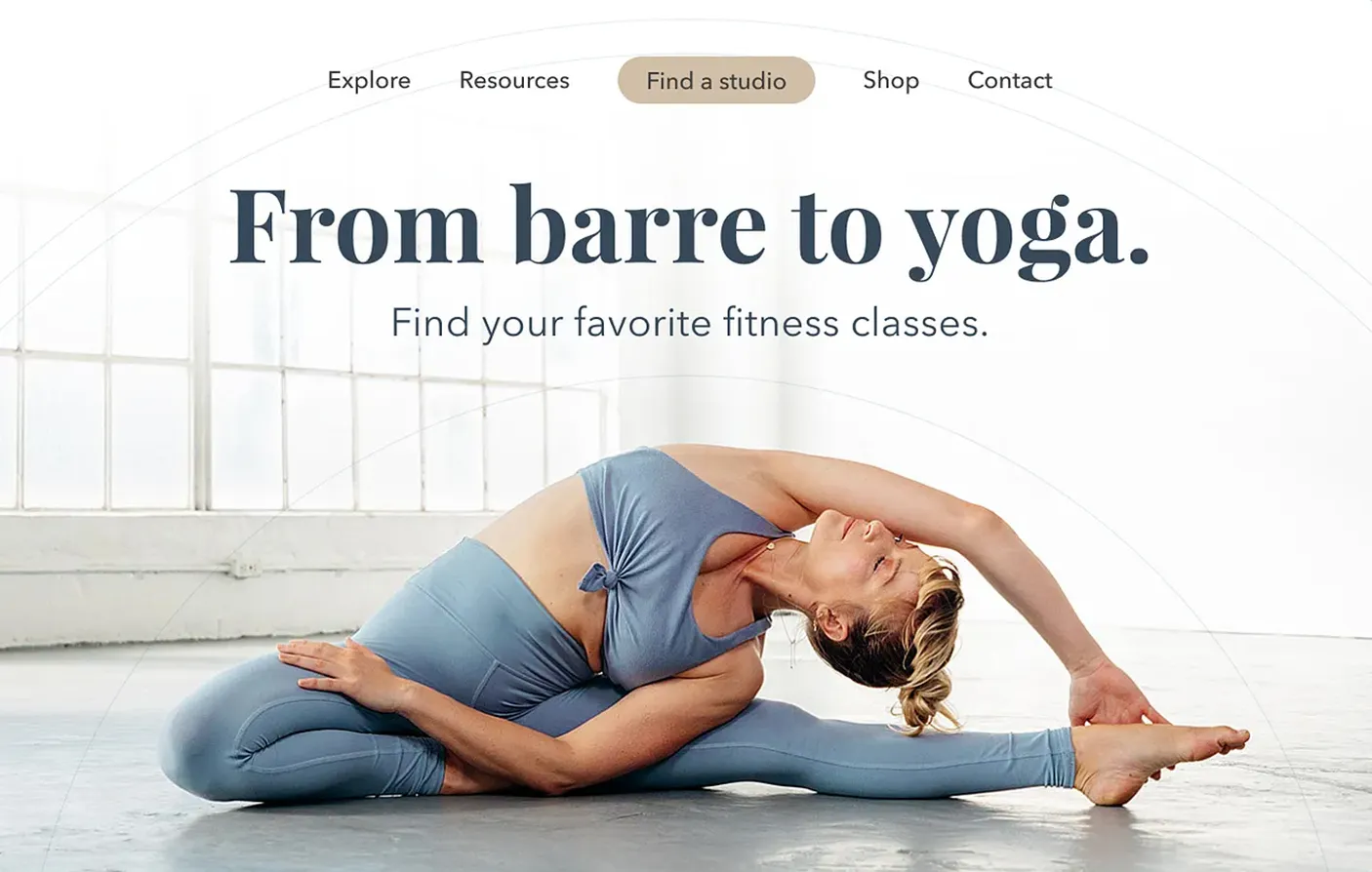
Let customers explore classes and choose their next appointment.
TEMPLATE LIBRARY
A starting point for every side of your business.
Try another word or clear a filter to see more starting points.
Design previews and illustrative product demos. Available templates and tools vary by plan.
SEE A BUSINESS FLOW
Follow a sample enquiry through your business — capture the details, plan a follow-up, book a call and prepare an invoice.
01 / A visitor sends a project enquiry.
MAKE IT YOURS
Find a design or workflow that fits what you want to build.
Make the content, colours, logo and images feel like you.
Check your pages and setup, then publish or activate your tools.
FAQ
You can start with the visual website builder and AI tools, then edit your content and design. Advanced software, integrations and workflows may need extra setup.
Yes. Make the copy, colours, images and available layouts your own inside the builder. Use your own business details and review the result before publishing.
A template preview shows a starting design or a supported template type. A product demo shows how a tool or workflow can look with sample data. Open the relevant tool to see the templates available to your account.
The website builder supports responsive layouts. Check your content on desktop and mobile before publishing, especially long headings, forms and product images.
Features, templates, usage limits and access vary by plan and website type. Compare plans or ask the team about the tools you want to use.
Open a preview, copy its starting brief if available, then open the builder or product. Sign in, choose an available starting point and customize it for your business.
Explore a starting point, make it yours,
and grow your business with WebNewBiz.