Skip to contentProduct WalkthroughYour idea.
Your next steps.
Start a website, store, or business workspace from one connected platform — and go from idea to live in a simple, guided flow.
- All-in-one platform
- Guided setup
- Built for business
CHOOSE YOUR STARTING POINT
What do you want to build?
webnewbiz•••
YOUR NEXT CHAPTERModern
Business Website
A little space for a big idea.
Discover more →
Website previewBuild a professional website
Showcase your business, services and brand with a modern, conversion-focused website.
- Business pages
- Contact forms
- Lead capture
1Create your account
Sign up, create your workspace, and add a few business details to personalize your setup.
- Create your account
- Name your workspace
- Add your business details
webnewbiz•••
2Start with your idea
or an example
Describe your business in a simple prompt, or choose an available example to get started.
- Describe your idea with AI
- Explore templates and examples
- Review your starting setup
Describe your business
A modern wellness studio offering classes and online bookings…
Or start from an example
A starting point, ready for your ideas.
3Make it yours
Customize the design and content to match your brand — your logo, colours, fonts, pages, services, products or booking availability.
- Add your logo and brand
- Customize pages and content
- Set up products, services or slots
Beforewebnewbiz•••
YOUR NEXT CHAPTERModern
Business Website
A little space for a big idea.
Discover more → 4Connect your
business tools
Bring everything together — forms, CRM, calendar, email and supported payments — so your business runs in one connected flow.
- Capture leads with forms
- Manage contacts in CRM
- Set up bookings and payments
- Review emails and follow-ups
5See one complete
business flow
From a new enquiry to a booking and invoice. See how the next steps can fit together in your workspace.
→CRM ContactSaved & organised →→→ Sample business workflow · Review each step before activating.
6Review before you launch
Preview on desktop and mobile, test your forms, checkout or booking, and work through a simple launch checklist.
- Preview on desktop and mobile
- Test forms, checkout or booking
- Review your launch checklist
Wellness
Studio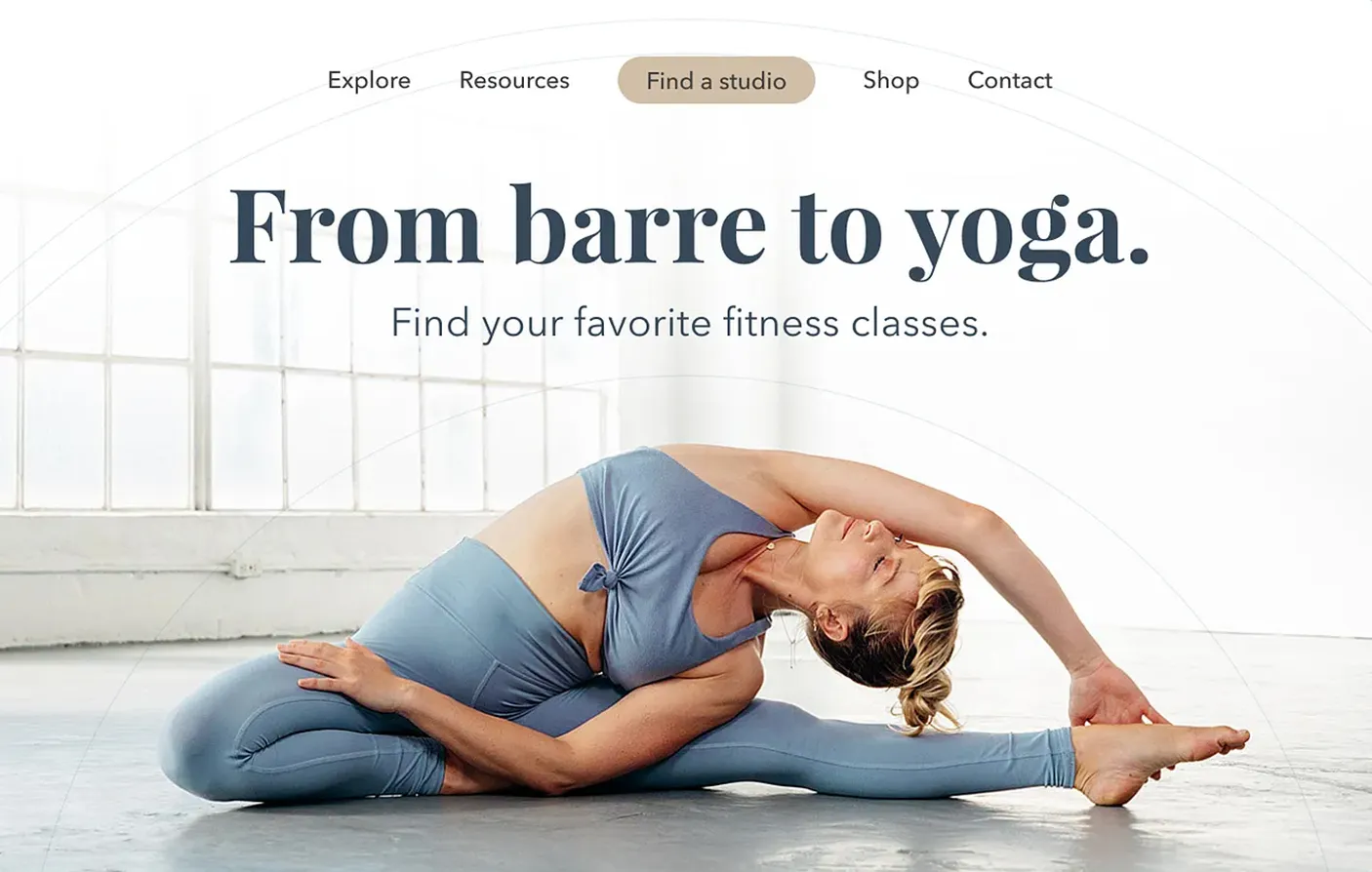 Book a class →
Launch & manage
Publish or activate your product, then manage enquiries, orders, bookings and tasks from your workspace.
- Launch when you are ready
- Manage daily activity in one place
- Review and refine your workflows
webnewbiz•••
EVERYTHING IN ONE PLACEYour workspace
New enquiries12Sample activity
Bookings8Sample activity
Orders6Sample activity
Illustrative setup previews with sample content. Available tools and setup steps vary by product and plan.
Do I need any coding knowledge?
You can start with the visual builder and AI tools. Advanced apps or integrations may require extra setup.
Can I connect a domain?
You can connect a supported custom domain from your account. Check the domain options included in your chosen plan.
Can I edit after launch?
Yes. Return to your workspace to update your content and setup. Review and publish changes when you are ready.
Which tools are included in the plan?
Tools, usage limits and available features vary by plan. Compare plans before choosing the right fit for your business.
Where do I get help?
Visit our contact page or email support@webnewbiz.com for help with your setup.
Ready for your
first step?
Start building your website, store, or business workspace today — or explore examples to get inspired.
webnewbiz•••
YOUR NEXT CHAPTERModern
Business Website
A little space for a big idea.
Discover more → webnewbiz•••
WORKSPACE / OPPORTUNITIESSales pipeline
New enquiriesBrand refreshNext step →
Website enquiryView contact →
In progressStore launchNext step →
ConsultationView contact →
WonStudio websiteNext step →
Spring campaignView contact →


 StoreExplore examples ↗